
ProMedia 2.1 Wireless
Want dynamic room-filling sound from your laptop or notebook without any wires tying you down? Meet the ProMedia 2.1 Wireless a powerful speaker system that lets you enjoy your iTunes Internet radio and more from anywhere in your room -- wirelessly.
Features:
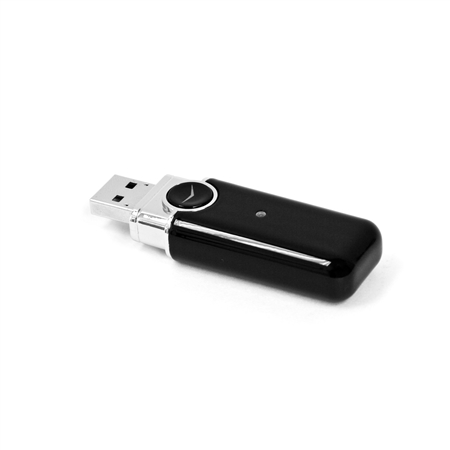
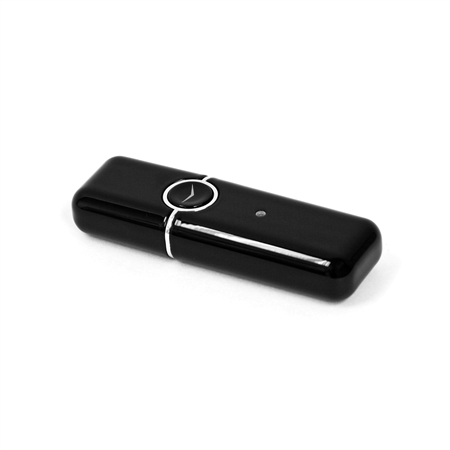
- USB wireless transmitter streams audio up to 30 feet away
- Robust 2.4 GHz wireless technology provides interference-free performance
- Same award-winning sound as the original ProMedia 2.1
- Easy plug-and-play design no router or installation software required
- Auxiliary input jack connects other music sources
- Use Apple's Remote Application to wirelessly control your iTunes
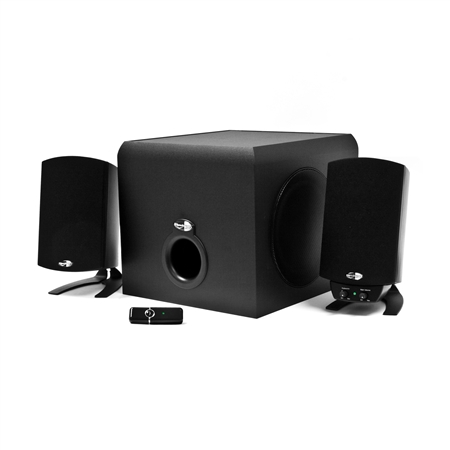
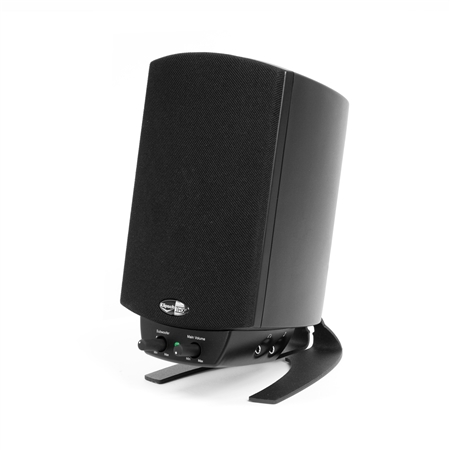
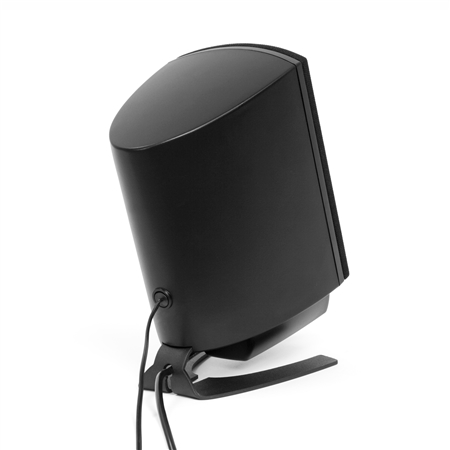
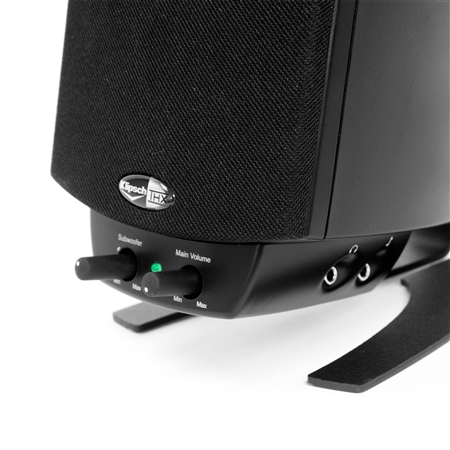

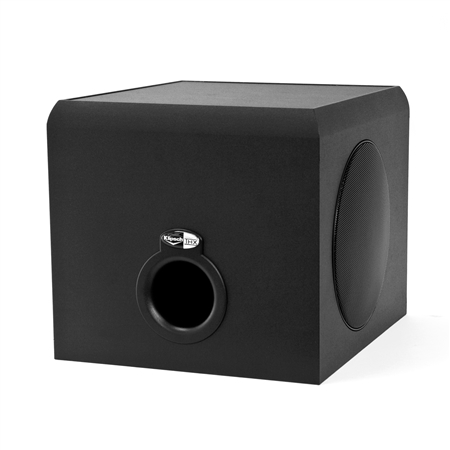
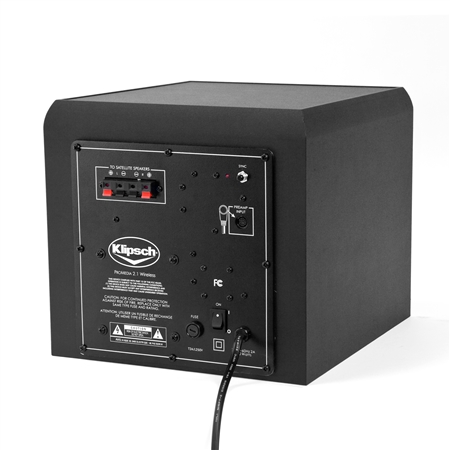
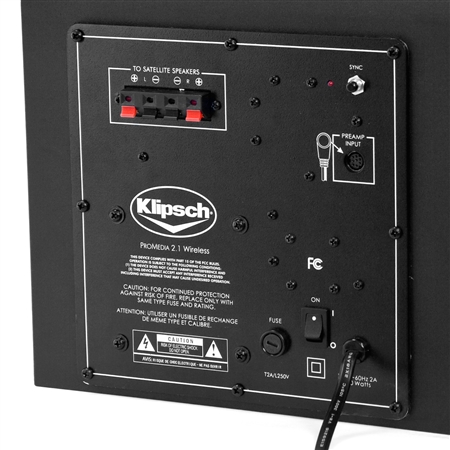
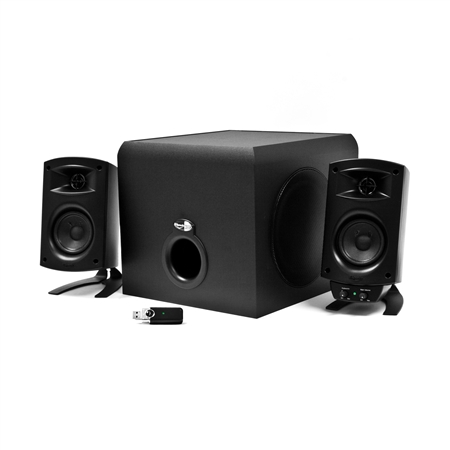
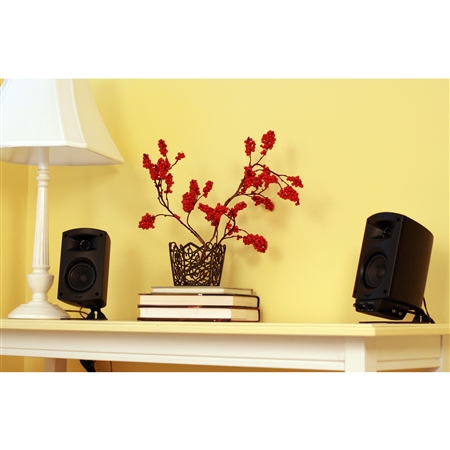
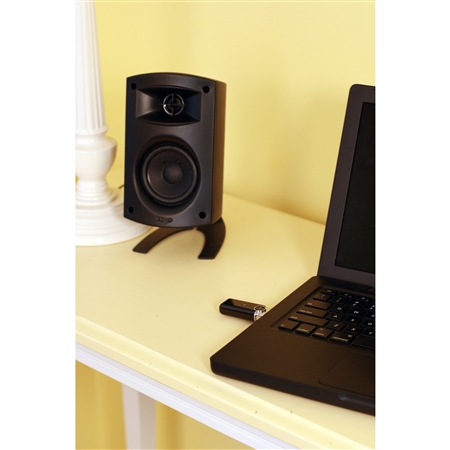
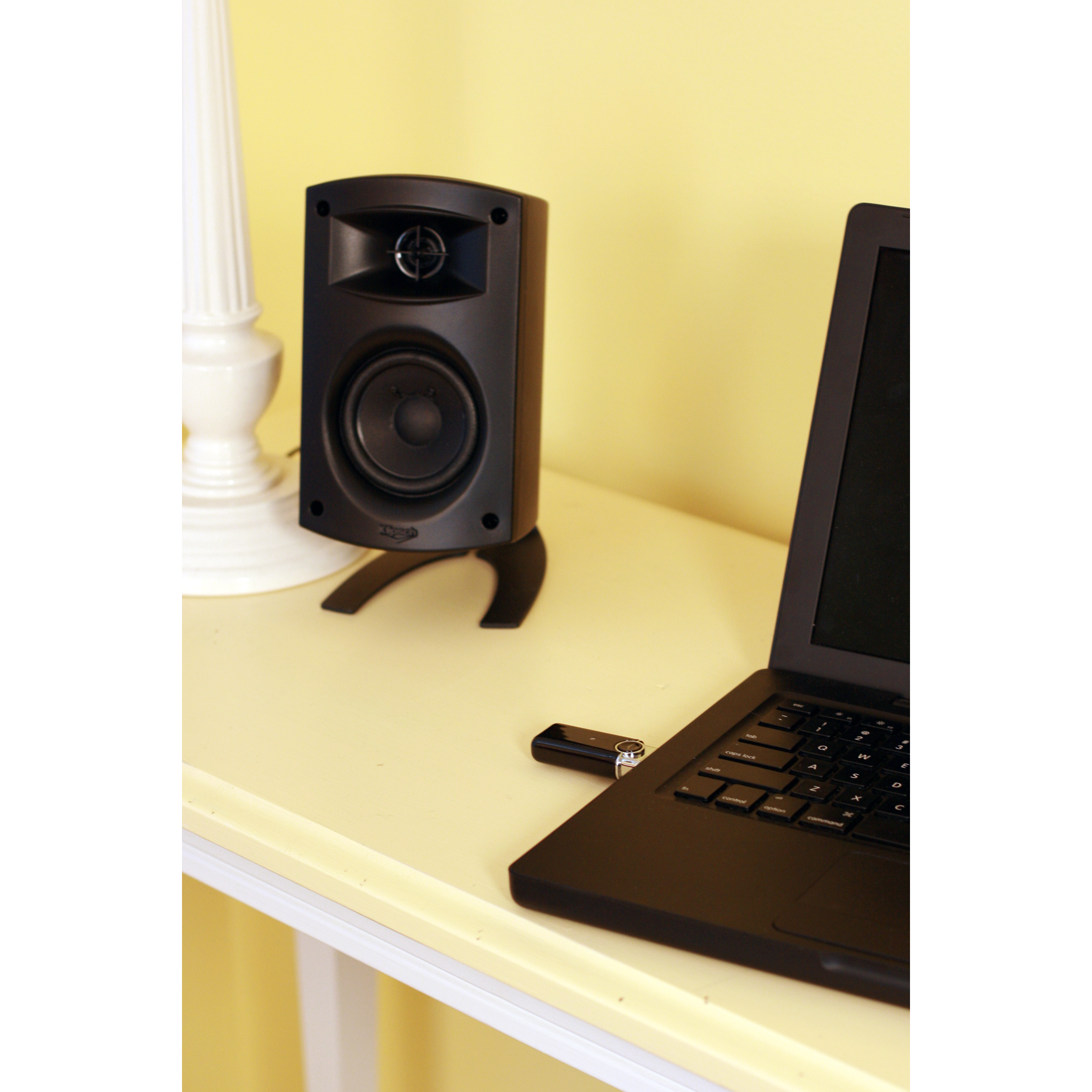
Room to Roam
If you use your laptop or notebook to listen to music, watch movies or play games, but want to get away from your desk and still enjoy true-to-life sound, the ProMedia 2.1 Wireless computer speakers are for you.
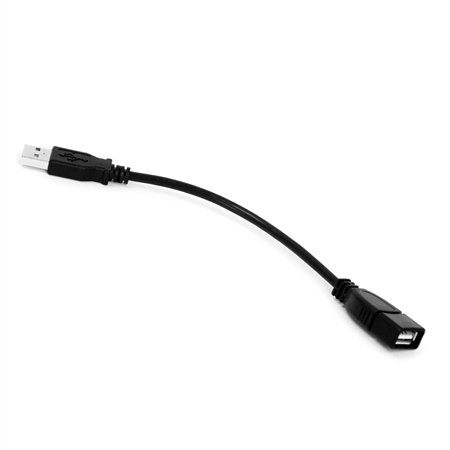
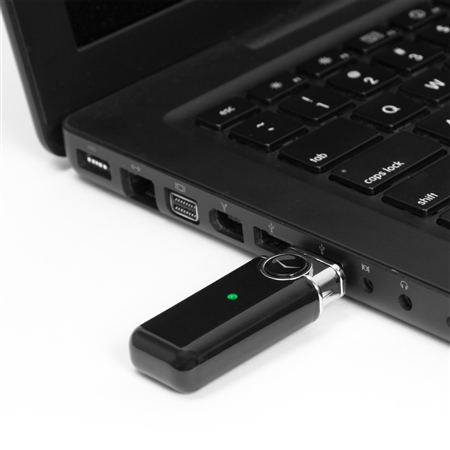
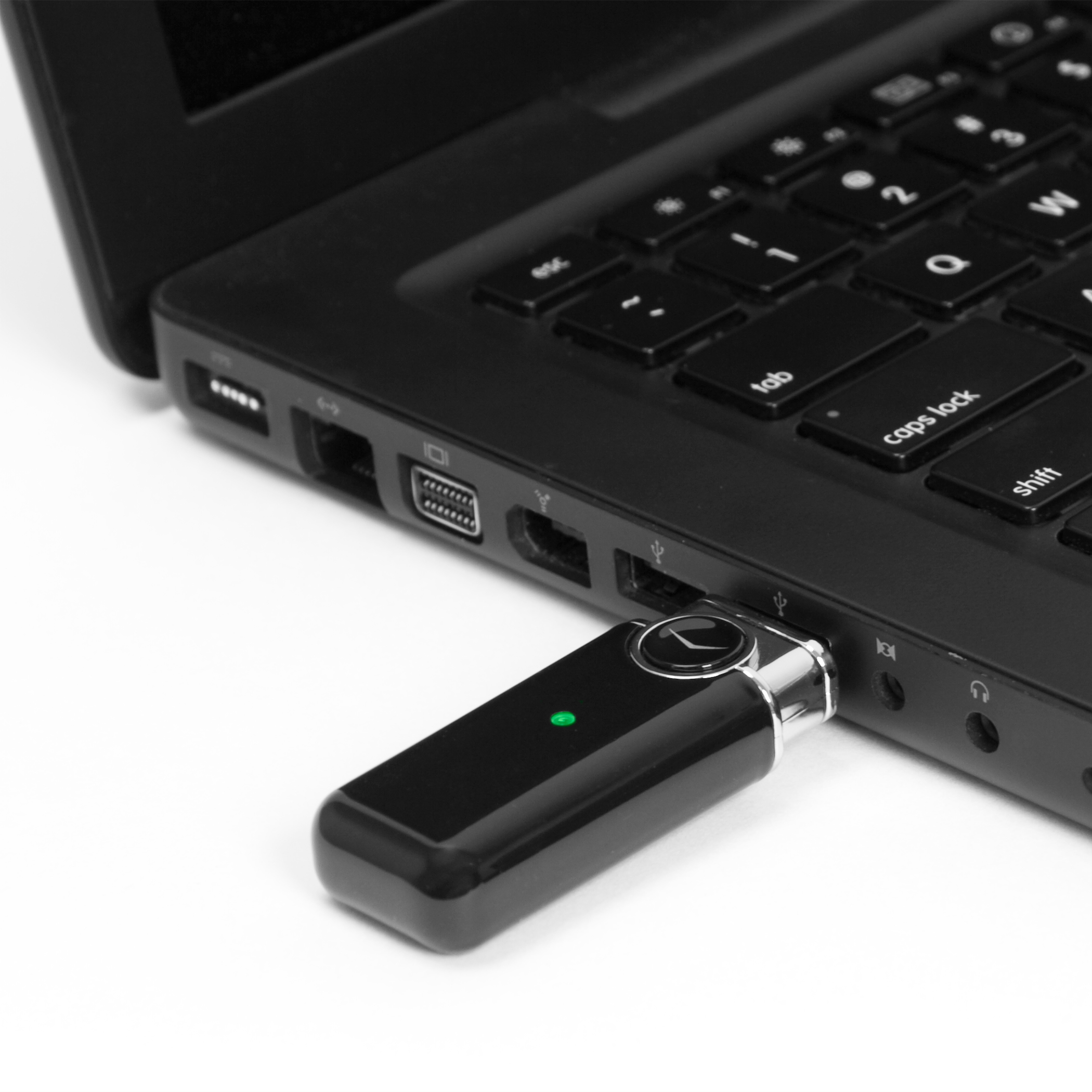
The ProMedia wirelessly “talks” to your computer via a USB wireless transmitter. Just plug the transmitter into your computer’s USB port and you’re ready to move around your room. It’s that simple—no router or installation software is required.
The transmitter can stream audio wirelessly from your computer to the ProMedia up to 30 feet away. Plus, its robust 2.4 GHz wireless technology won’t interfere with other wireless devices, such as cordless phones, so nothing stands in the way of you and amazing sound.
Classic Award-Winning Sound
The original THX®-certified ProMedia 2.1 was introduced in 2000, and over the years it has become one of the highest praised, best-selling products Klipsch has ever produced. Therefore, Klipsch designed the ProMedia 2.1 Wireless to sound just like it.
With or without wires, the ProMedia remains the defacto 2.1 standard for computer speakers—it’s even been known to put some home theaters to shame.
So get ready to kiss lackluster performance goodbye because with the ProMedia 2.1 Wireless, you’ll be swept away by the sheer power, detail and emotion of your favorite music, movies and games. In fact, you won’t believe the performance of these wireless computer speakers until you experience them for yourself.
ProMedia 2.1 Wireless FAQs
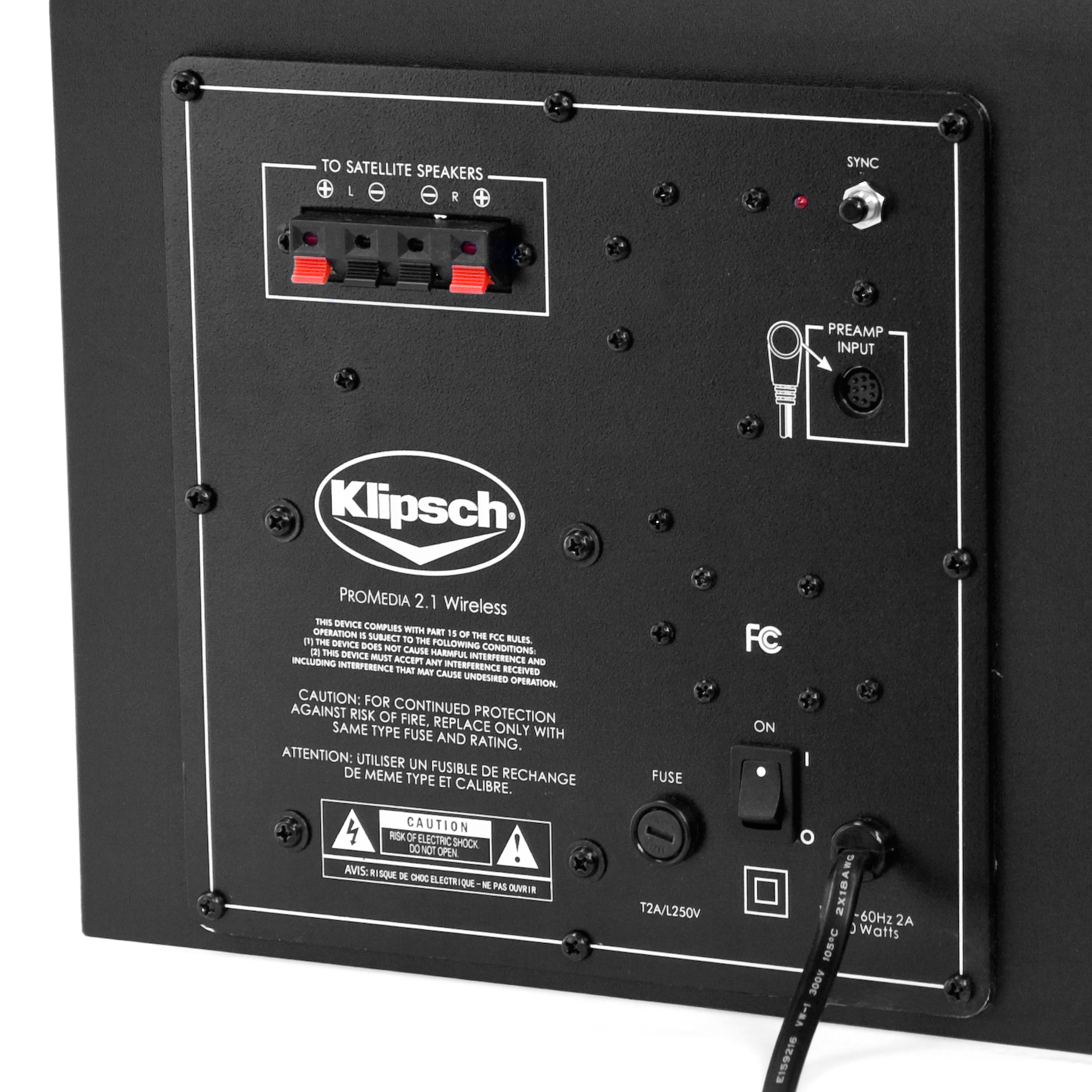
How is the new ProMedia 2.1 considered wireless when I have to use wire to connect the speakers to the subwoofer and then plug it in?
There are many misconceptions about wireless audio. Often, when people see the words “wireless” and “speakers” together, they assume the entire sound system is wire and cable free. However, no such speaker system exists—unless it runs off of batteries. Speakers need a power source to drive them and that source needs to connect to electricity.
With the ProMedia 2.1 Wireless, the subwoofer is the power source. This heavy-hitter plugs into a wall outlet and the two speakers connect to it via wires. Wireless, in the case of the ProMedia, means no wires attach to the computer. This allows users to move their laptops freely around the room without ever losing their 2.1 sound.
How do I re-sync the ProMedia with its wireless transmitter?
The ProMedia and USB wireless transmitter are synced together when they leave the factory. It’s very rare they would ever become un-synced. However, should it happen, there is a button on the subwoofer and a button on the transmitter that you push to get them in tune again.
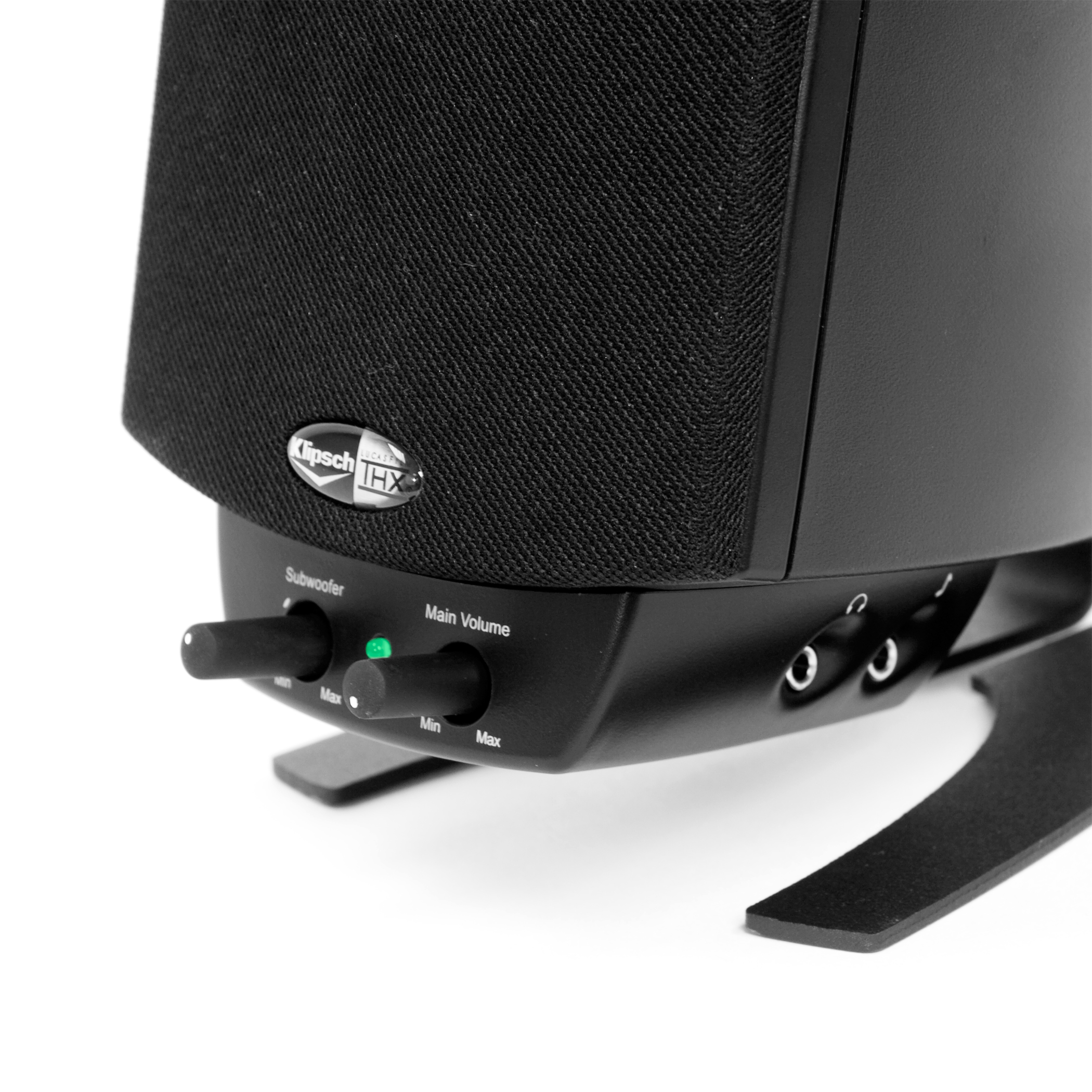
The system features volume controls, a headphone jack for personal listening and an auxiliary music input jack that lets you directly connect a secondary source to the system using a 3.5-inch male to male standard connection audio cable, sold separately.
NOTICE: ProMedia 2.1 Wireless is no longer compatible with Macs running OSX 10.11 (El Capitan), 10.12 (Sierra) and 10.13 (High Sierra).
