

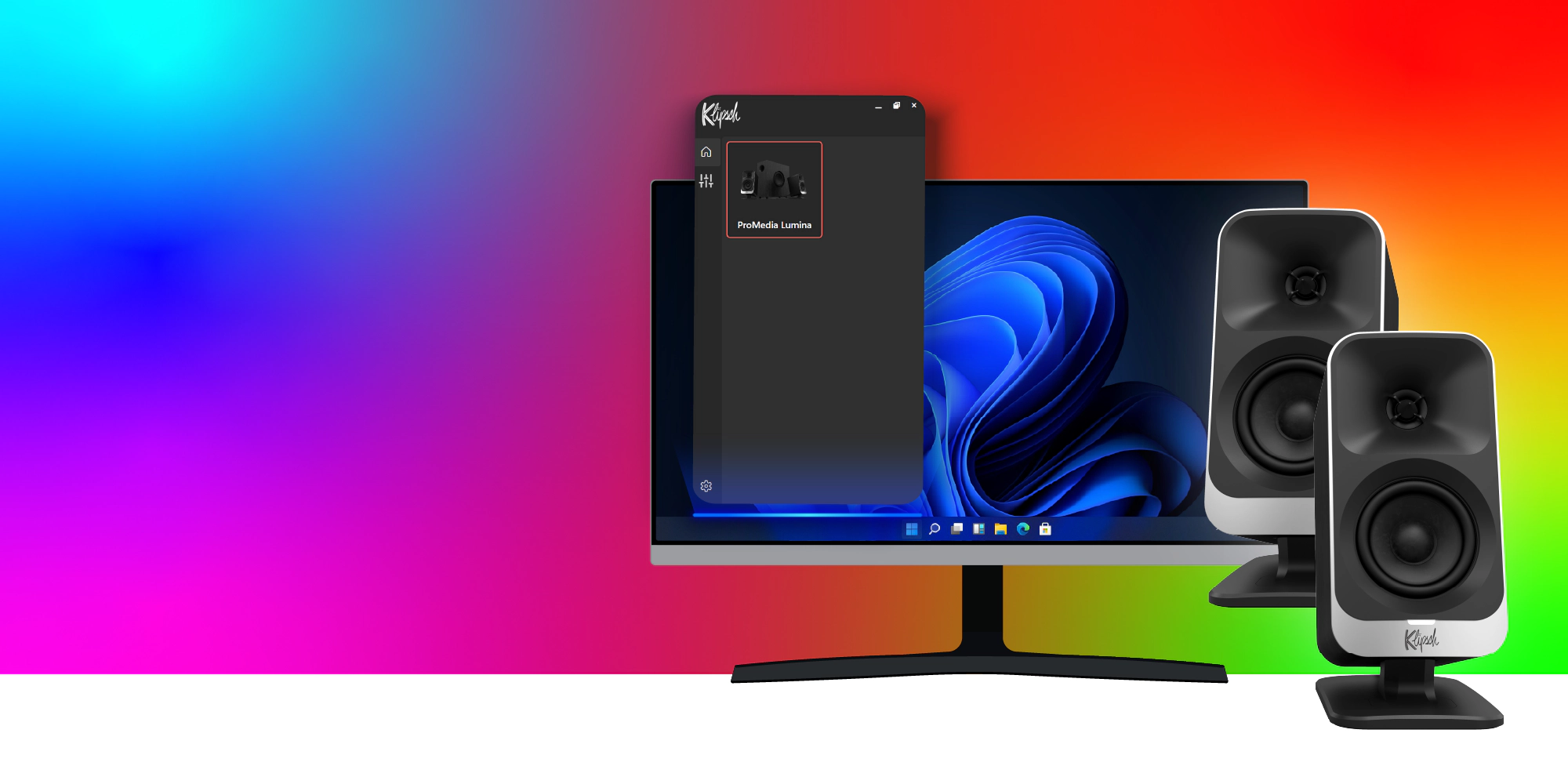
Ultimate control
Whether dialing in your EQ, customizing lighting, or adjusting your product settings, the Klipsch Control app for Windows PC delivers every tool you need to tailor the ProMedia Lumina setup to your preferences.


Acoustic Tuning
Refine your audio experience with a multi-band EQ, subwoofer gain adjustment, content-based sound modes, and a curated selection of EQ presets. Klipsch Control empowers you to perfect your soundscape, ensuring optimal performance tailored to your unique listening needs.
Acoustic Tuning
Refine your audio experience with a multi-band EQ, subwoofer gain adjustment, content-based sound modes, and a curated selection of EQ presets. Klipsch Control empowers you to perfect your soundscape, ensuring optimal performance tailored to your unique listening needs.


Virtual Surround
The Virtual Surround sound mode features an immersive, simulated surround experience. This gives you a competitive edge by pinpointing player footsteps, directional cues, and environmental sounds, enhancing your situational awareness and reaction time.
Virtual Surround
The Virtual Surround sound mode features an immersive, simulated surround experience. This gives you a competitive edge by pinpointing player footsteps, directional cues, and environmental sounds, enhancing your situational awareness and reaction time.


LED Lighting
Elevate your desk setup with LED customization options, designed to bring your speakers to life. Choose from a vibrant array of preset light modes for instant ambiance and customize the color of each mode.
Screen React light mode (available on Windows only) creates an immersive viewing experience, extending the colors of your screen to the ambient LEDs on the ProMedia Lumina.
Helpful resources
Support for Klipsch Control
Visit the Klipsch Control App section of our Support site.
Supported Devices
Klipsch ProMedia Lumina Computer Speakers with LED Lighting